
MObile Commissioning App
+ Programming Tool
Introduction
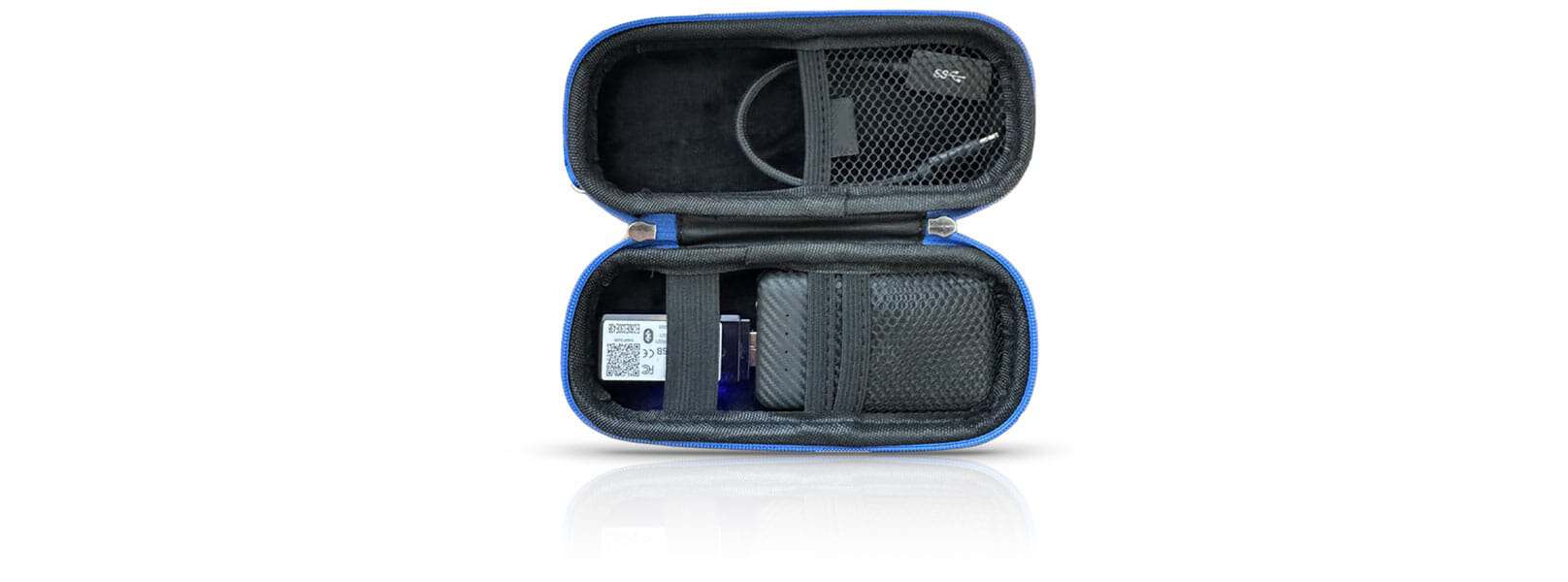
Use the Avi-on Programming Tool to enhance Bluetooth communication in large-scale installations, enabling faster, more reliable commissioning.
1. Power the Avi-on Programming Tool
- Connect the tool to your mobile device using the
included adapter, or - Connect it to a portable battery pack positioned near your phone (keep within 10 feet of the mobile device running the Avi-on Mobile Commissioning App)
Note: The Avi-on Dongle does not need to be physically
attached to your phone—only powered on and nearby.
2. Enable the Avi-on Dongle Connection in the Mobile Commissioning App
- Open the Avi-on Mobile Commissioning App
- Log in to your account
- Enable “Scan for Dongle Connection”
- This setting can also be enabled later in the App Settings
3. Confirm Connection
- Look for the dongle icon in the upper-right corner of the app
- This indicates the app is successfully connected through the Avi-on Dongle
4. Commission Devices
- Use the Mobile Commissioning App as usual
- The Avi-on Dongle will manage all Bluetooth communication with nearby Avi-on devices
Tips for Best Performance
- Keep the Avi-on Dongle within a few feet of your mobile device
- When using a battery pack, carry the dongle in a pocket, pouch, or belt clip
- Ensure the dongle remains powered throughout the commissioning session
Troubleshooting
Dongle icon not appearing?
- Verify the dongle is powered and within 10 feet of the
mobile device - Confirm “Scan for Dongle Connection” is enabled
- Restart the app if needed
Connection drops during use?
- Ensure the dongle remains powered
- Move the Avi-on Dongle closer to the mobile device
Avi-on
featured products
The Avi-on family of products consists of load controllers, sensors, wall stations and connectivity products that work together in one big happy family. Load controllers manage dimming, schedules, scenes, groups/zones and more while the sensors are able to detect motion with all new state-of-the-art features. These products work seamlessly with the Avi-on cloud to provide a robust wireless ecosystem.